

Show Instagram feed on Shopify Store
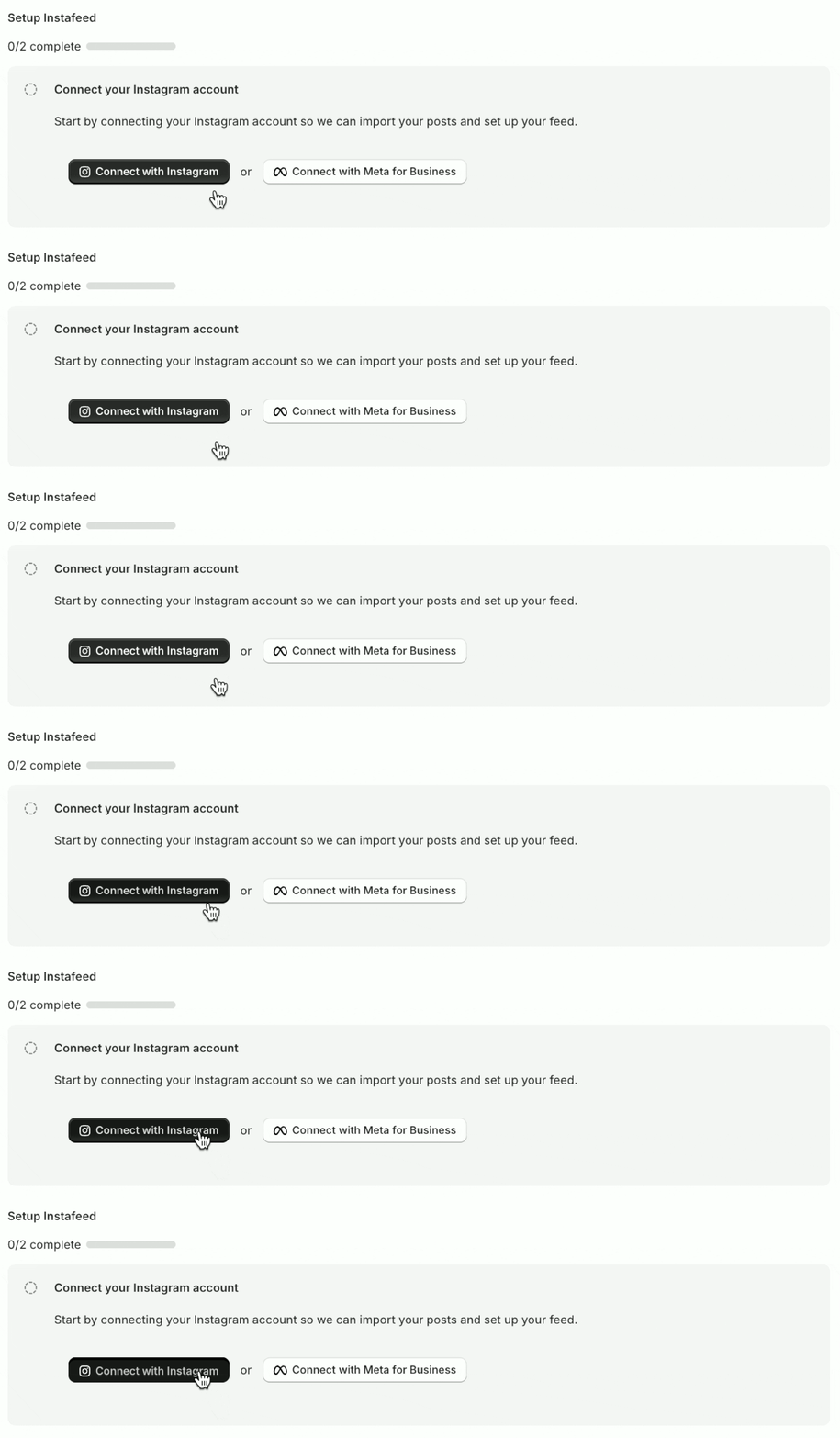
Step 1 - Connect your Instagram account
-
Click Connect with Instagram.
-
When prompted, click Allow to give Instagram permission to connect.
Having trouble connecting your Instagram account?
Check the most common solutions.
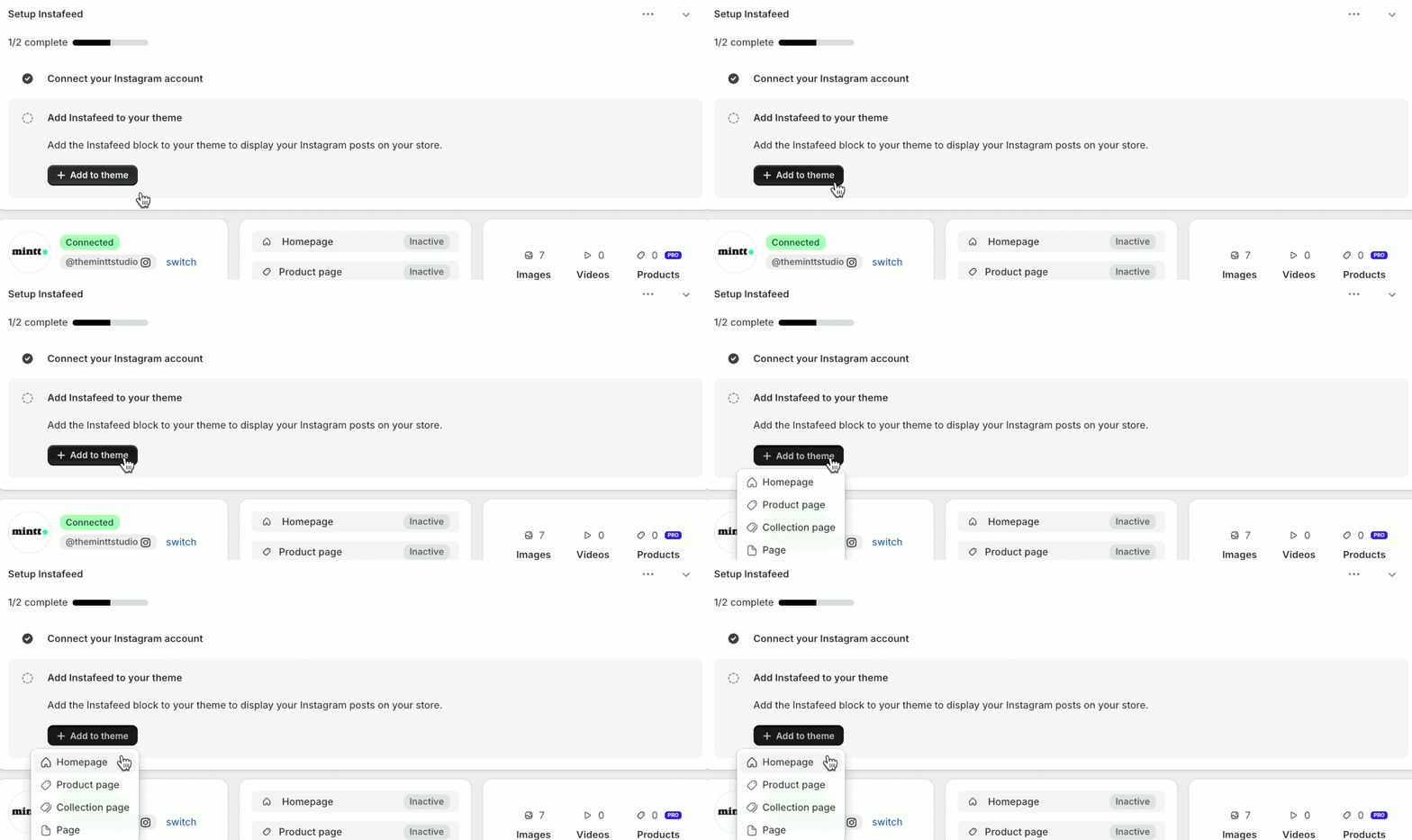
Step 2 - Add Instafeed to your theme
-
Click Add to theme.
-
Select Homepage to display your feed there.
-
Click Save to apply changes to your theme.
Can't see the Instafeed app section in your theme?
You are using a legacy theme, learn how to add Instafeed here